PaymentFlux for landlords
Give your tenants another way to pay rent
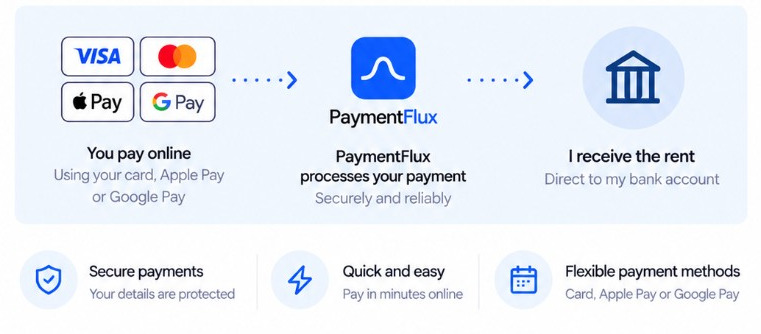
Tenants can pay by card, Apple Pay or Google Pay. You receive rent by bank transfer.

Landlord benefits
More choice for tenants
Card, Apple Pay or Google Pay
PaymentFlux handles the card payment
No card checkout or integration for you
No cost to you
No setup or integration fees. You receive the full rent amount.


How rent reaches you
Your tenant pays by card, Apple Pay or Google Pay. PaymentFlux processes the payment. You receive the rent by bank transfer.
Tenant



PaymentFlux
Landlord
Receives a bank transfer
How do you receive rent?
Business account
A simple landlord setup
What we need from you
- Your landlord or business name
- Business bank details used to receive rent
- Tenant/property details needed for communications
- Approval of tenant-facing wording
What PaymentFlux provides
- Ready-to-send tenant communications
- Customised tenant emails where appropriate
- PaymentFlux landlord payment link
- Tenant account and payment support
- Faster recipient setup where eligible
Share PaymentFlux with your tenant
Send your tenant the PaymentFlux landlord payment page, or use our ready-to-send email.
Need help or have a question? Contact support.
Make it easy to tell your tenants
We can help you prepare clear tenant communications using the PaymentFlux landlord payment page.
Plain-text email
Example
Easy to copy into your existing email.
Hi Sophie,
Hope you’re well.
I’m now accepting rent payments for 24 Willow Street, London by card, Apple Pay or Google Pay using PaymentFlux, a secure third-party payment provider.
This gives you a convenient and flexible way to pay online. You can pay using your debit or credit card, Apple Pay or Google Pay. Your payment is processed securely and I’ll still receive the full rent amount directly to my bank account.
To make a payment or find out more, please use the link below:
https://paymentflux.co.uk/pay-landlord-with-credit-card
Thanks,
Daniel Reed
Your landlord
24 Willow Street, London
HTML email
Example
A polished ready-to-send version.
Hi Sophie,
Hope you’re well.
You can now pay the rent for 24 Willow Street, London by card, Apple Pay or Google Pay
I’m now accepting rent payments through PaymentFlux, a secure third-party payment provider. This gives you a convenient and flexible way to pay online.
You can pay using your debit or credit card, Apple Pay or Google Pay. Your payment is processed securely and I’ll still receive the full rent amount directly to my bank account.
Find out more
Thanks,
Daniel Reed
Your landlord
Emails can be prepared using tenant and property details.
How it works for your tenants
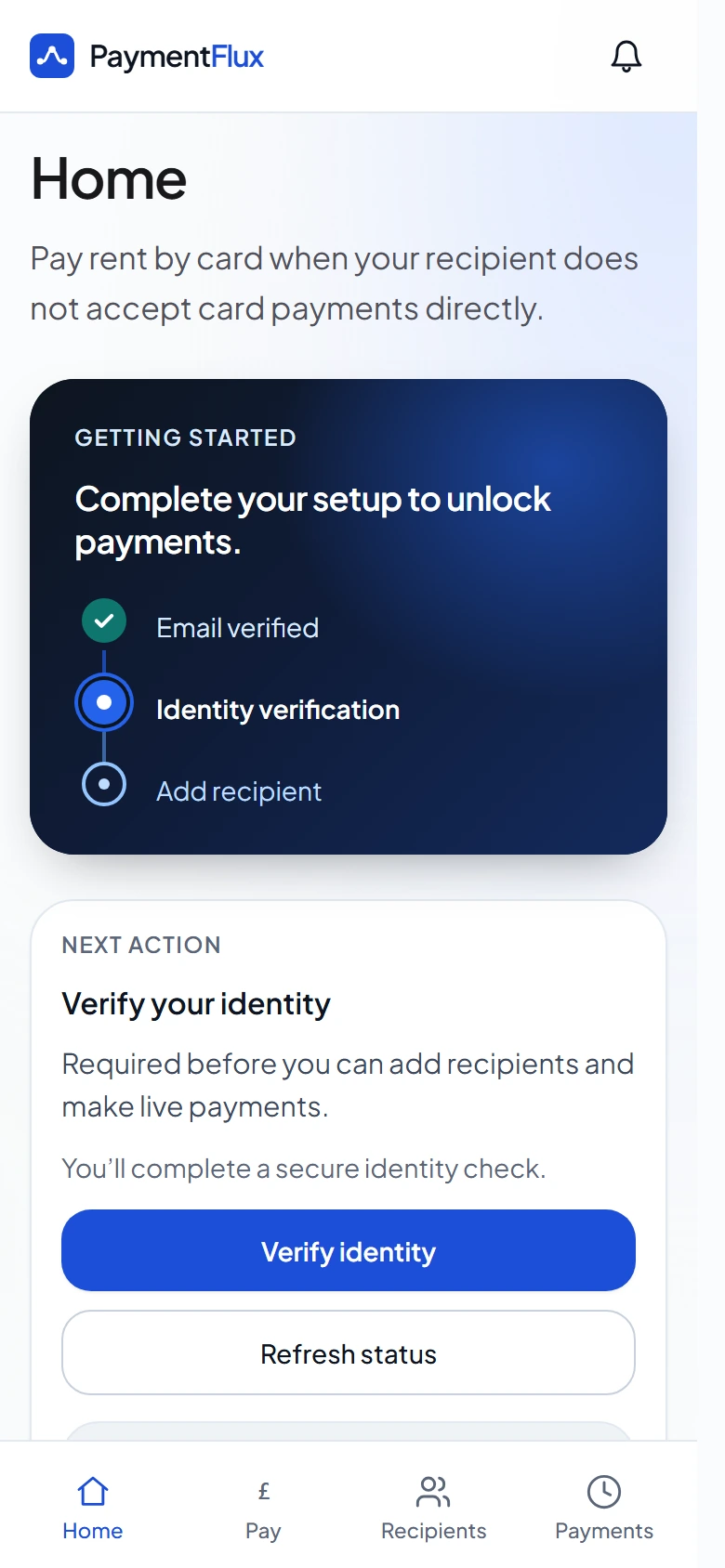
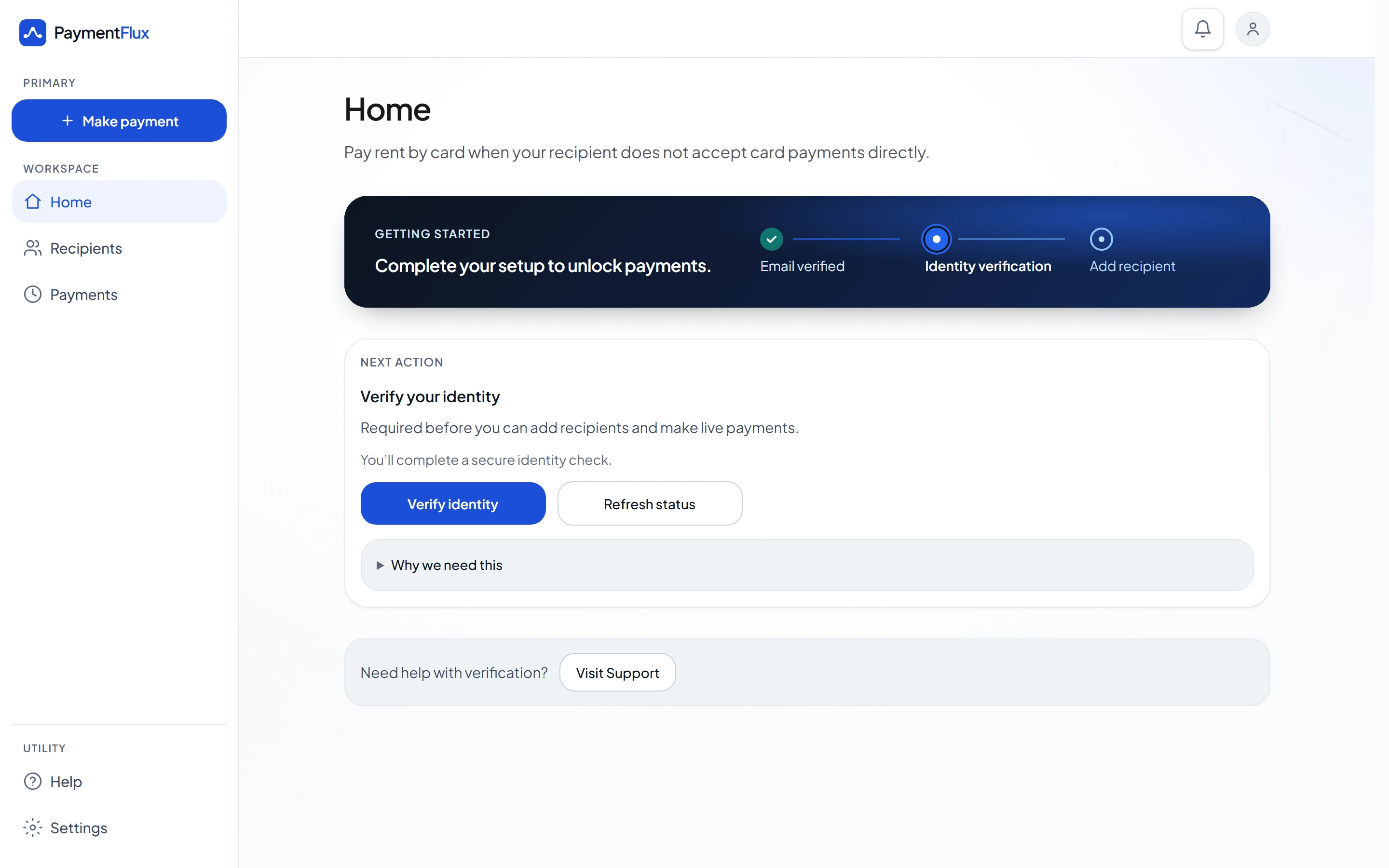
Step 1
Open the PaymentFlux page
Follow the link in your landlord’s email to the PaymentFlux landlord payment page.
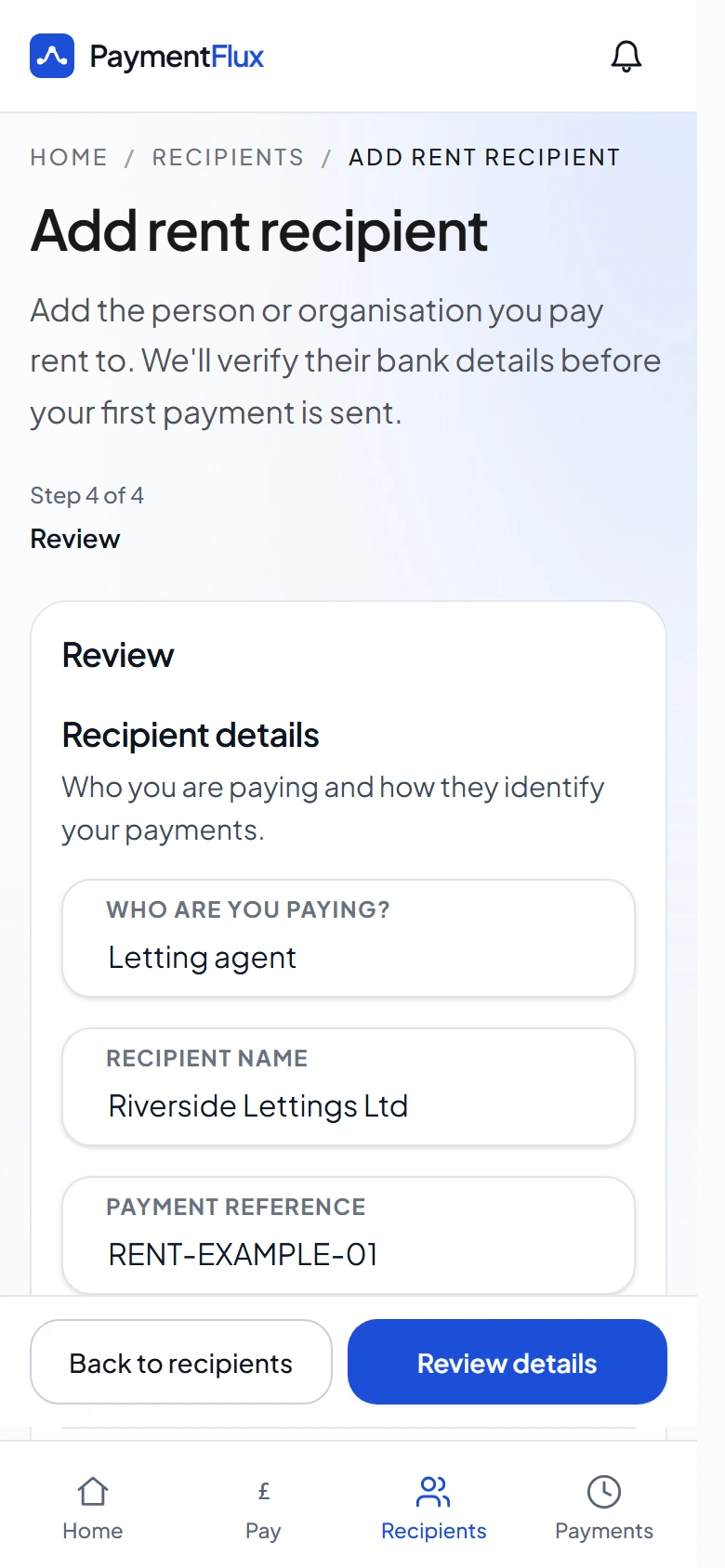
Step 2
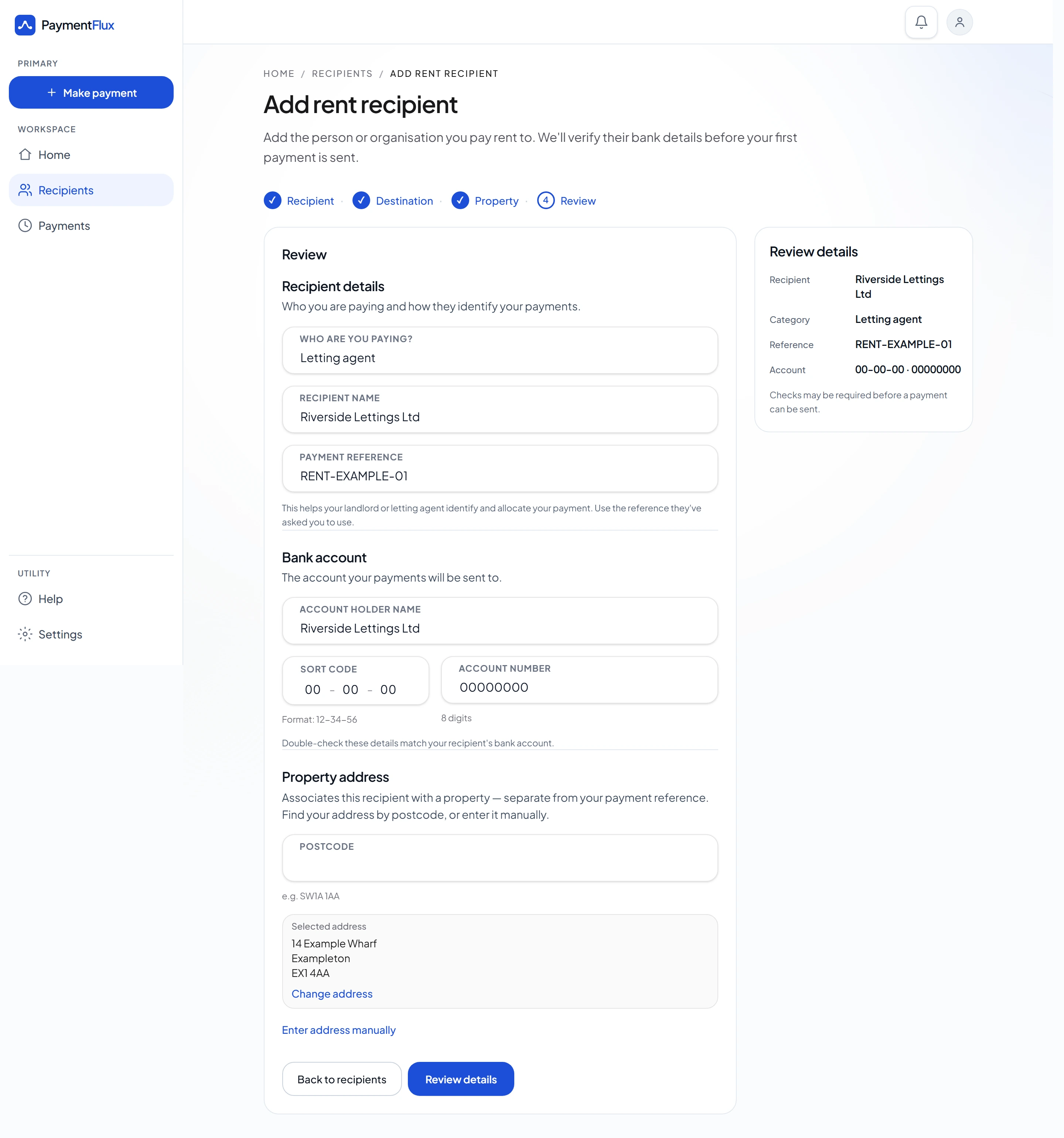
Sign up and add your landlord
Set your landlord as the rent recipient using the details they have supplied.
Step 3
Pay your rent
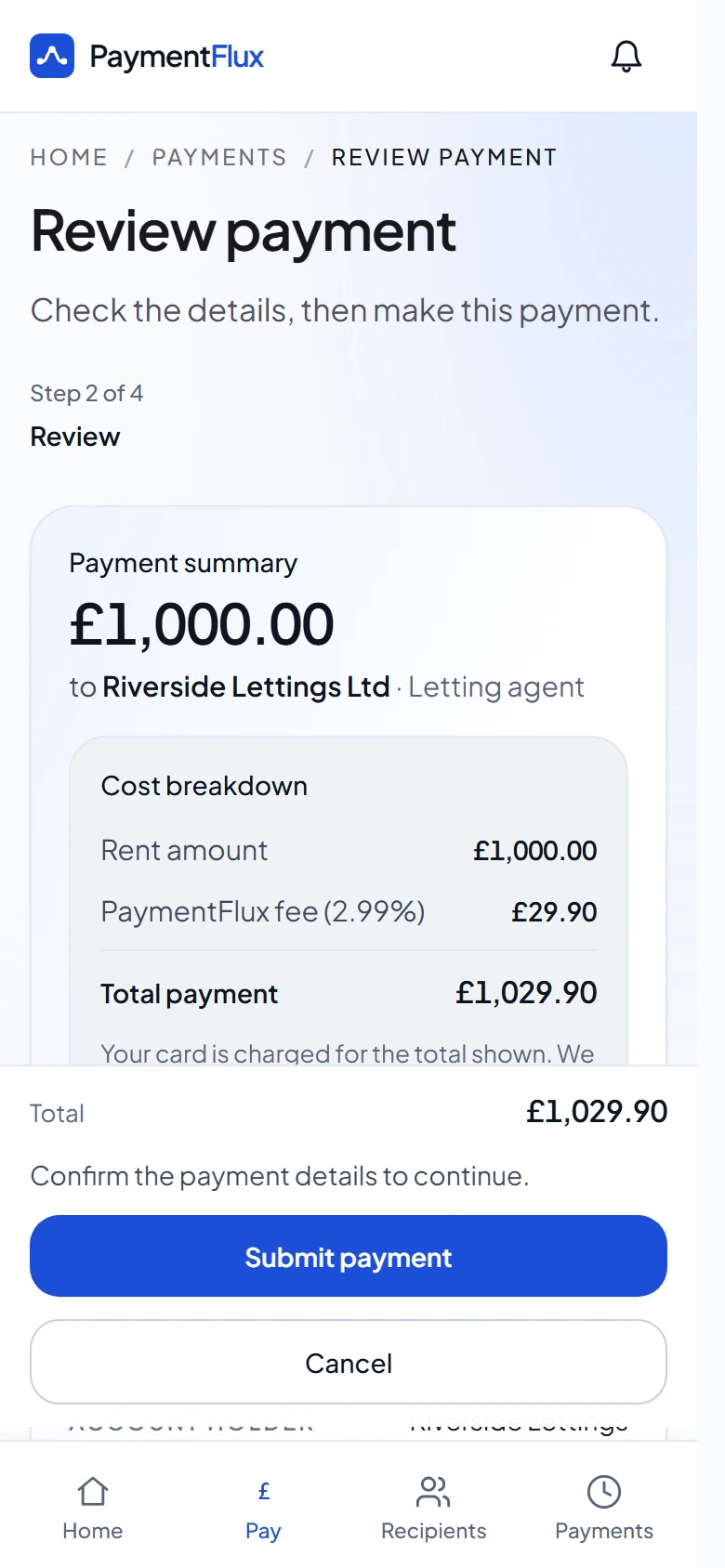
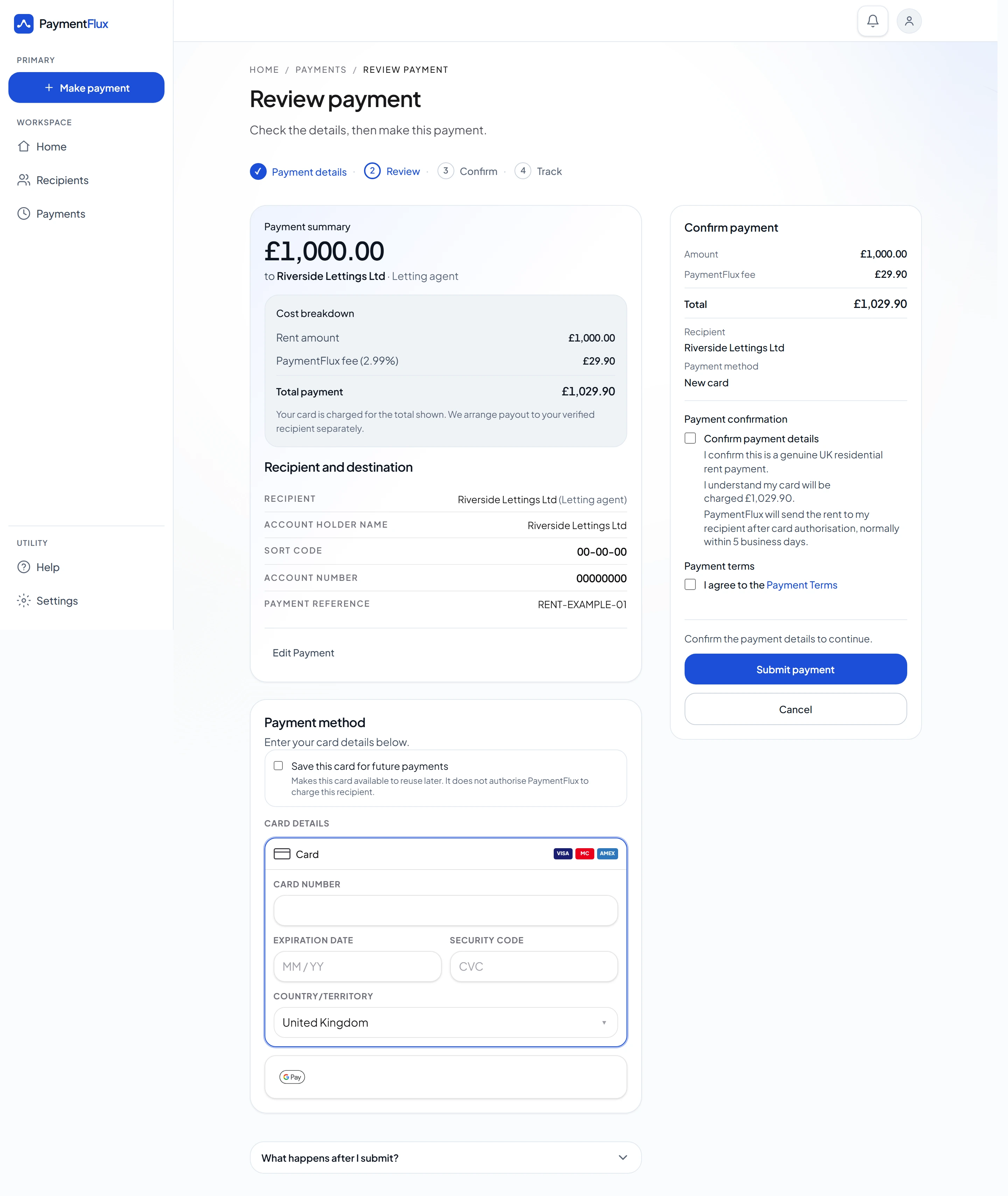
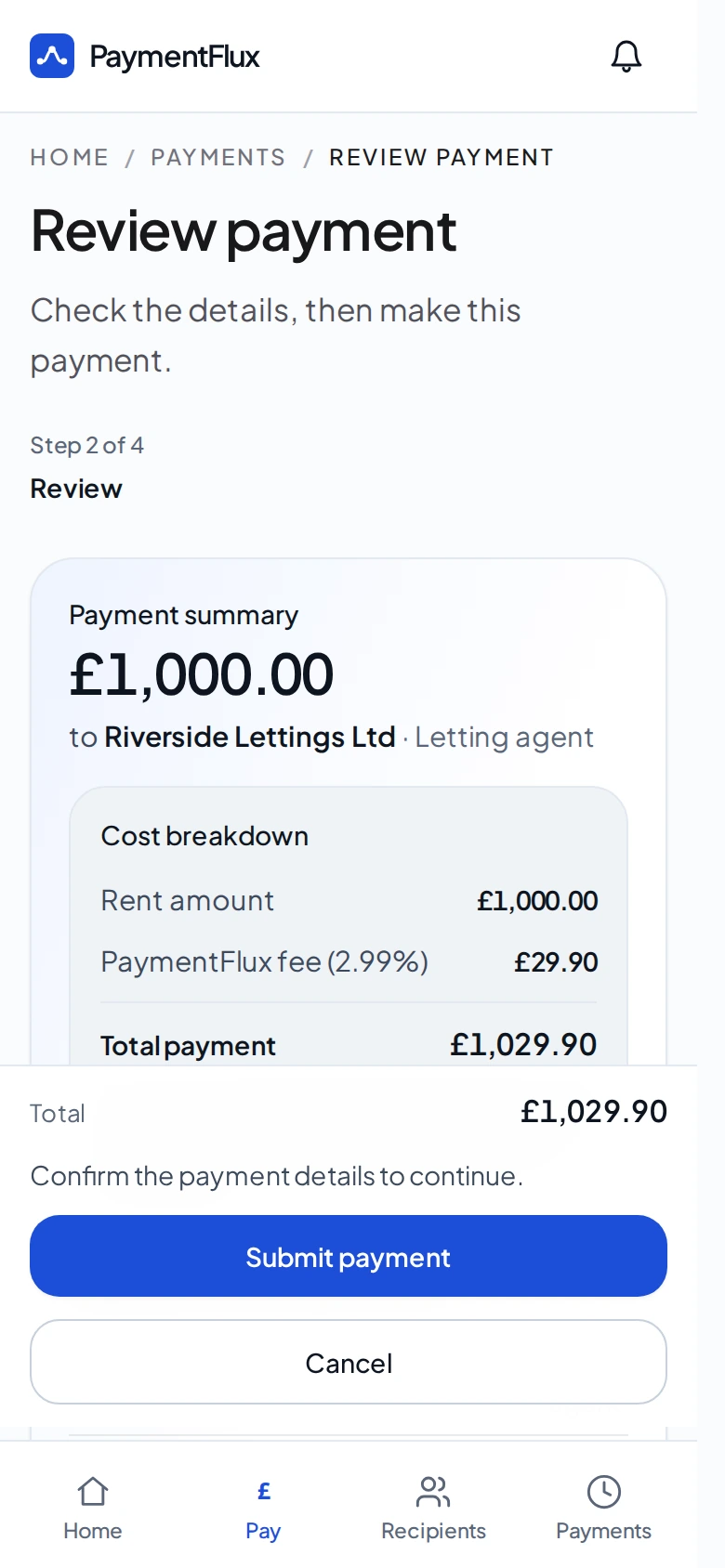
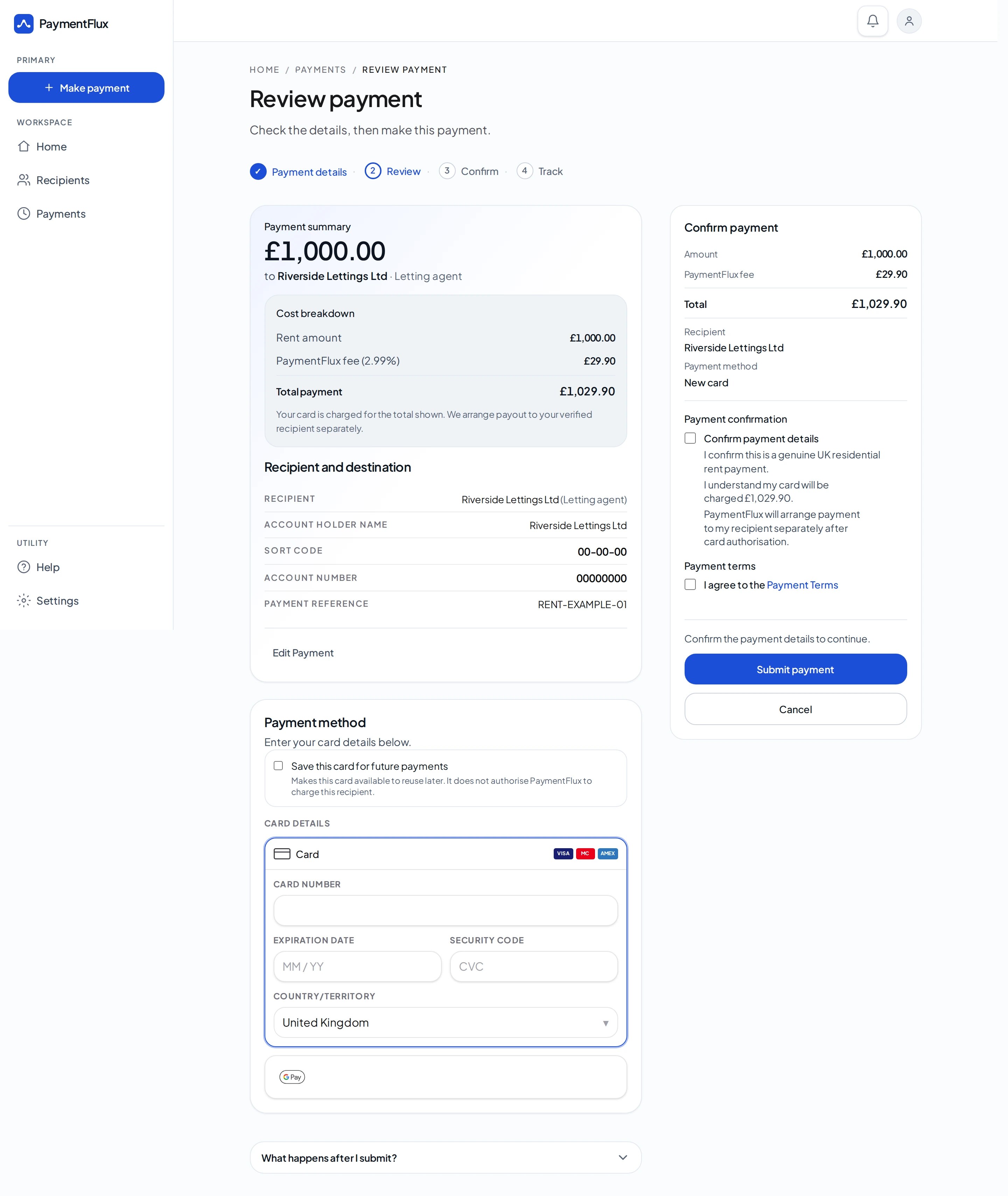
Choose debit card, credit card, Apple Pay or Google Pay and confirm the payment.
Step 4
Your landlord receives the rent
PaymentFlux sends the rent to your landlord by bank transfer.
Interested in offering this to your tenants?
Tell us a little about your enquiry and we’ll explain how the setup works for your tenants.
No commitment required. No bank details needed for this enquiry.
Questions landlords ask
Nothing to set up. There is no setup or integration fee, and PaymentFlux does not deduct its fee from the rent you receive. Your tenant pays a PaymentFlux fee of 2.99% on top of their rent payment, which is shown to them before they confirm. You receive the full rent amount by bank transfer.
No. The tenant pays PaymentFlux and you receive the rent by bank transfer.
No. PaymentFlux gives tenants an additional way to pay. You still receive the rent by bank transfer.
Yes. Your tenants can use the PaymentFlux landlord payment page, and you can send them a ready-to-use message. They add you through the normal recipient journey. A personal account is not matched to an approved rent-receiving business account.
Where eligible, PaymentFlux can register your approved rent-receiving business account. When a tenant adds you, those details can be matched. Matching can streamline the recipient checks and, where eligible, avoid manual review. A match does not approve a payment automatically, and it does not guarantee that a payment will be approved.
Only if you want the approved business-account setup. Those details let PaymentFlux register the rent-receiving business account so it can be matched. This enquiry does not collect a sort code, account number, or bank statement. Those details are collected later, if you decide to proceed.
Tenants pay on PaymentFlux. You can share the PaymentFlux landlord payment page. A business-account landlord can also have tenant emails prepared. A personal-account landlord can send a ready-to-use message.
For an approved business account, tell PaymentFlux before directing tenants to the new account. PaymentFlux registers the replacement account before it is used for matching. Existing tenant recipients stay on the account they were set up with. A personal account has no approved-account match to update. The tenant updates the recipient through the normal journey.
If a letting agent collects the rent, tenants use the letting-agent journey instead of paying you directly.