


Ways to pay
Pay by debit card, credit card, Apple Pay or Google Pay.
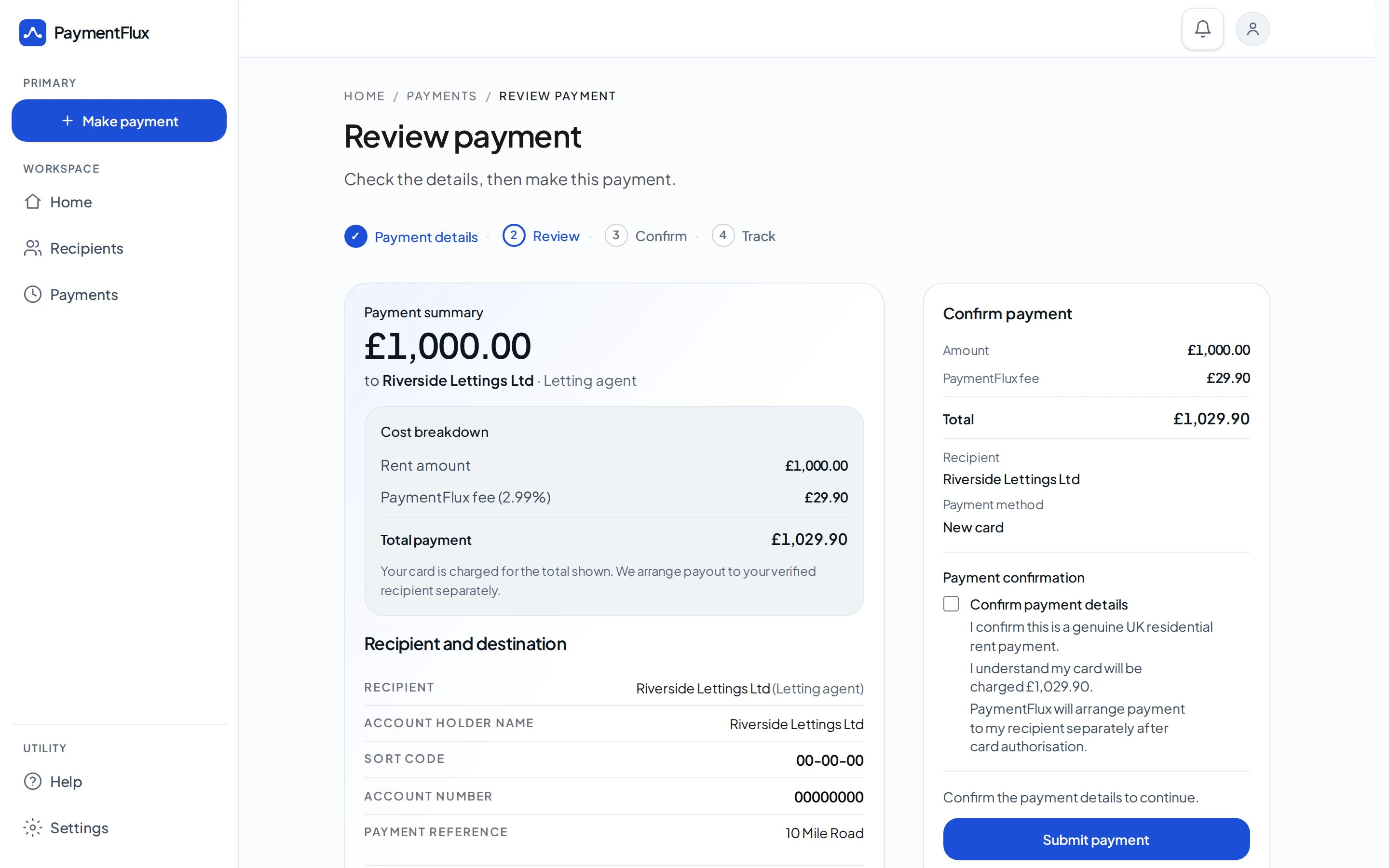
You pay by card. They receive a bank transfer.
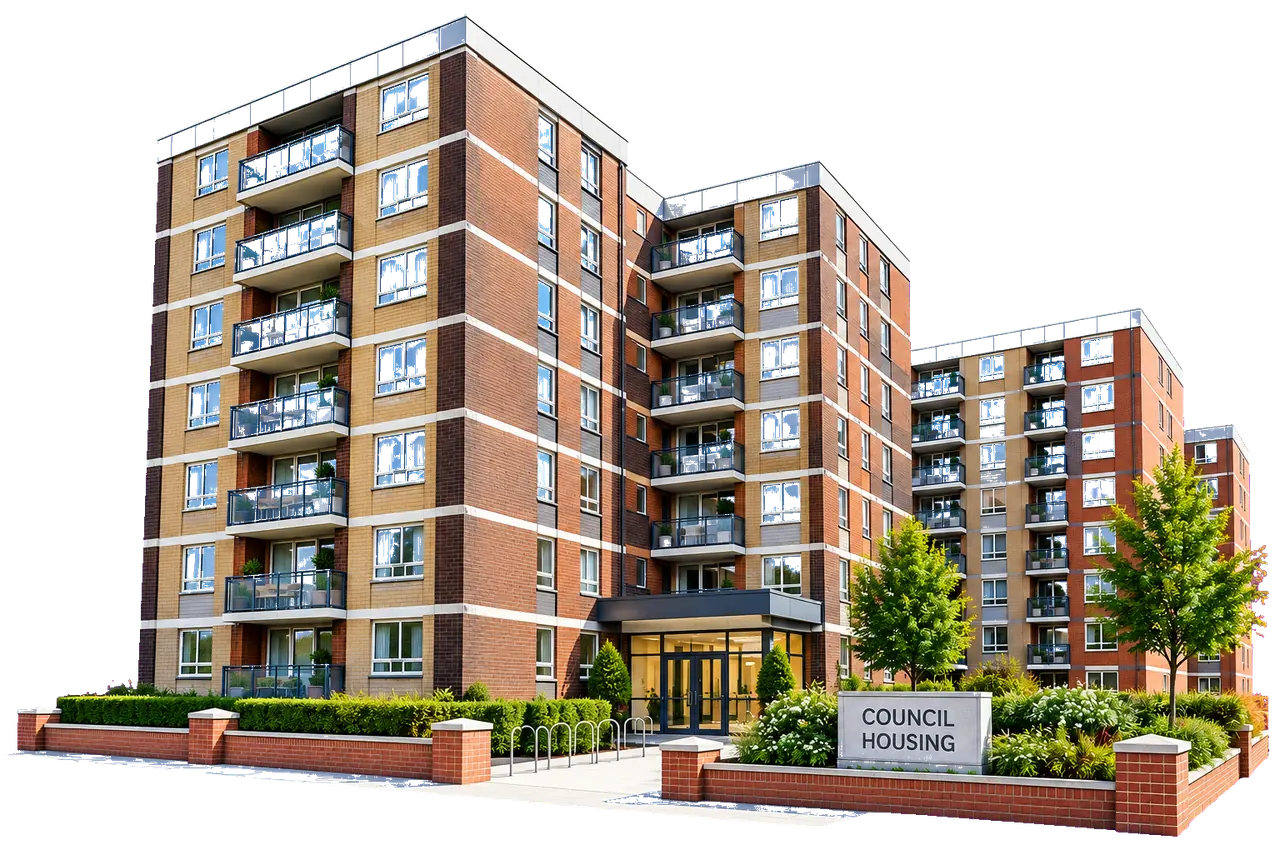
For residential rent collected by a council or local authority that expects a bank transfer.
Pay by debit card, credit card, Apple Pay or Google Pay.
You pay by card
Debit card, credit card, Apple Pay or Google Pay
PaymentFlux processes your payment
Your card payment is securely processed
Your rent recipient receives a bank transfer
They get your rent in the usual way
You pay by card. PaymentFlux processes your payment. They receive a bank transfer.
Pay council or local authority residential rent by debit card, credit card, Apple Pay or Google Pay when the council expects a bank transfer.
Your council or local authority receives the rent by bank transfer. They do not need to take card payments themselves.
Resident
PaymentFlux
Council / local authority
Receives a bank transfer
The essentials, visible before you pay.
Pay by debit card, credit card, Apple Pay or Google Pay.
See the PaymentFlux fee before you confirm.
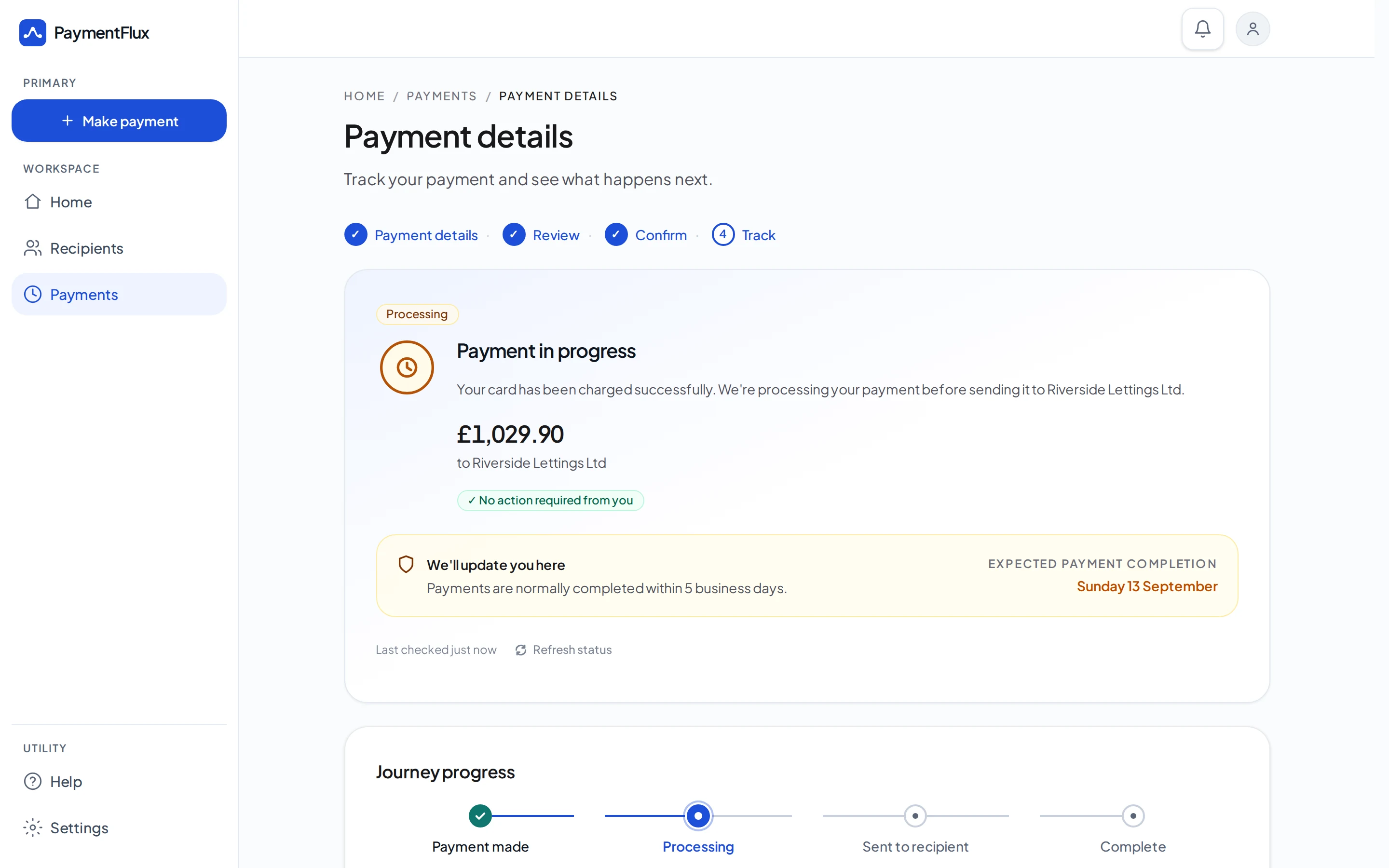
Follow your payment through to the recipient.
Yes, through PaymentFlux, when a council or local authority collects your residential rent by bank transfer. You pay by card. They receive a bank transfer.
No. You pay PaymentFlux by debit card, credit card, Apple Pay or Google Pay. Your council or local authority receives a bank transfer. They do not need to take card payments themselves.
No. This is for residential rent a council or local authority collects by bank transfer. It is not for council tax, parking, fines, business rates or other local-authority bills.
PaymentFlux charges a flat 2.99% fee, shown before you confirm. Your card issuer’s interest, charges and terms may still apply separately.
Visit our Help Centre or contact our support team.
Create your account — flat 2.99% fee shown before you confirm a rent payment.