PaymentFlux for property managers
Give your tenants another way to pay rent
Tenants pay by card, Apple Pay or Google Pay. You receive rent by bank transfer.

Property manager benefits
More choice for tenants
Card, Apple Pay or Google Pay
PaymentFlux handles the card payment
No card checkout or integration for your business
No cost to your business
No setup or integration fees. You receive the full rent amount.


How rent reaches your property management business
Your tenant pays by card, Apple Pay or Google Pay. PaymentFlux processes the payment. Your property management business receives the rent by bank transfer.
Tenant



PaymentFlux
Property manager
Receives a bank transfer
A simple property manager setup
You provide a short set of approved details. We prepare a consistent payment option and tenant communications for your managed properties.
What we need from you
- Your approved company name and logo
- The business bank details tenants use to pay rent
- Approval of the tenant-facing wording and materials
What PaymentFlux provides
- A co-branded tenant payment page
- Ready-to-send tenant email
- Website and tenant-portal promotional assets
- PaymentFlux support for tenant account and payment questions
- Faster recipient setup where the approved rent-receiving account is eligible
Everything you need to launch
Example materials shown using fictional Oakfield Property Management, a property manager.
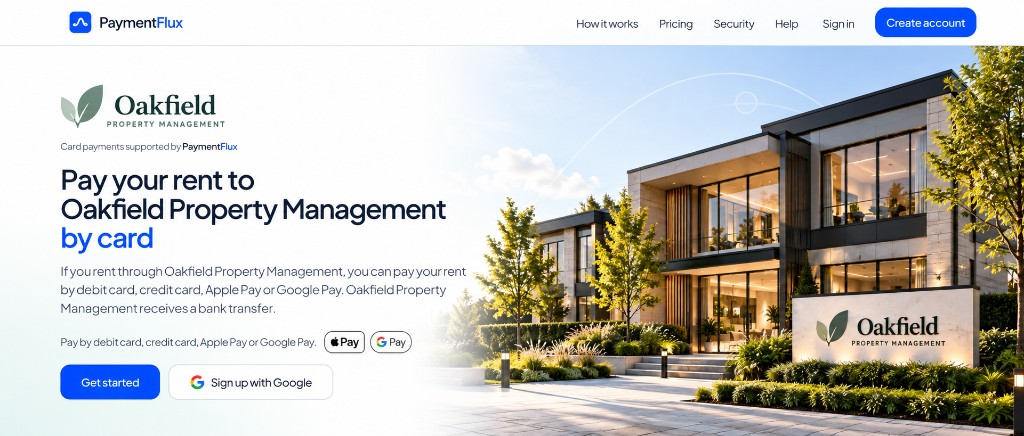
Questions about how this would work for your property management business? Talk to PaymentFlux
How it works for your tenants
Step 1
Open your PaymentFlux page
Follow the link from your property manager’s email, website or tenant portal.
Step 2
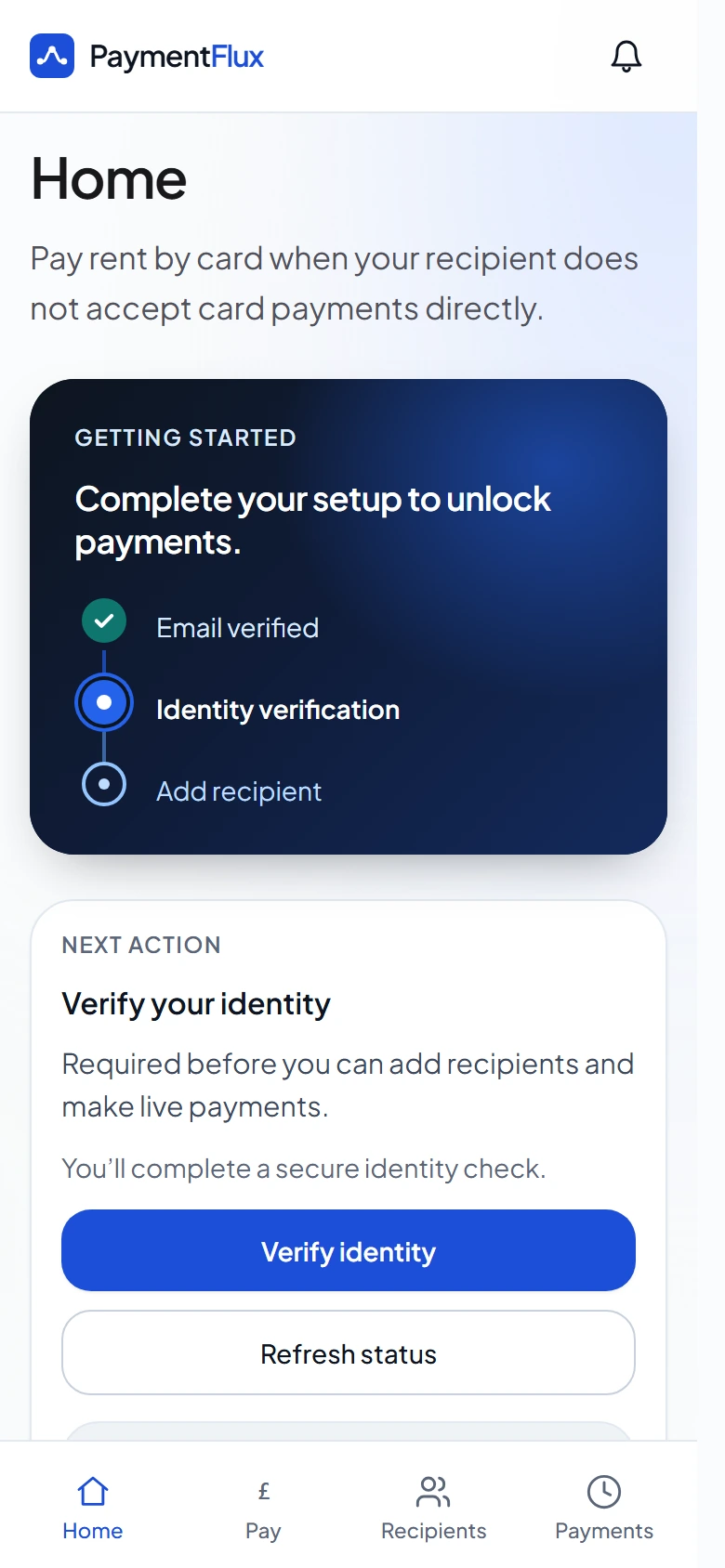
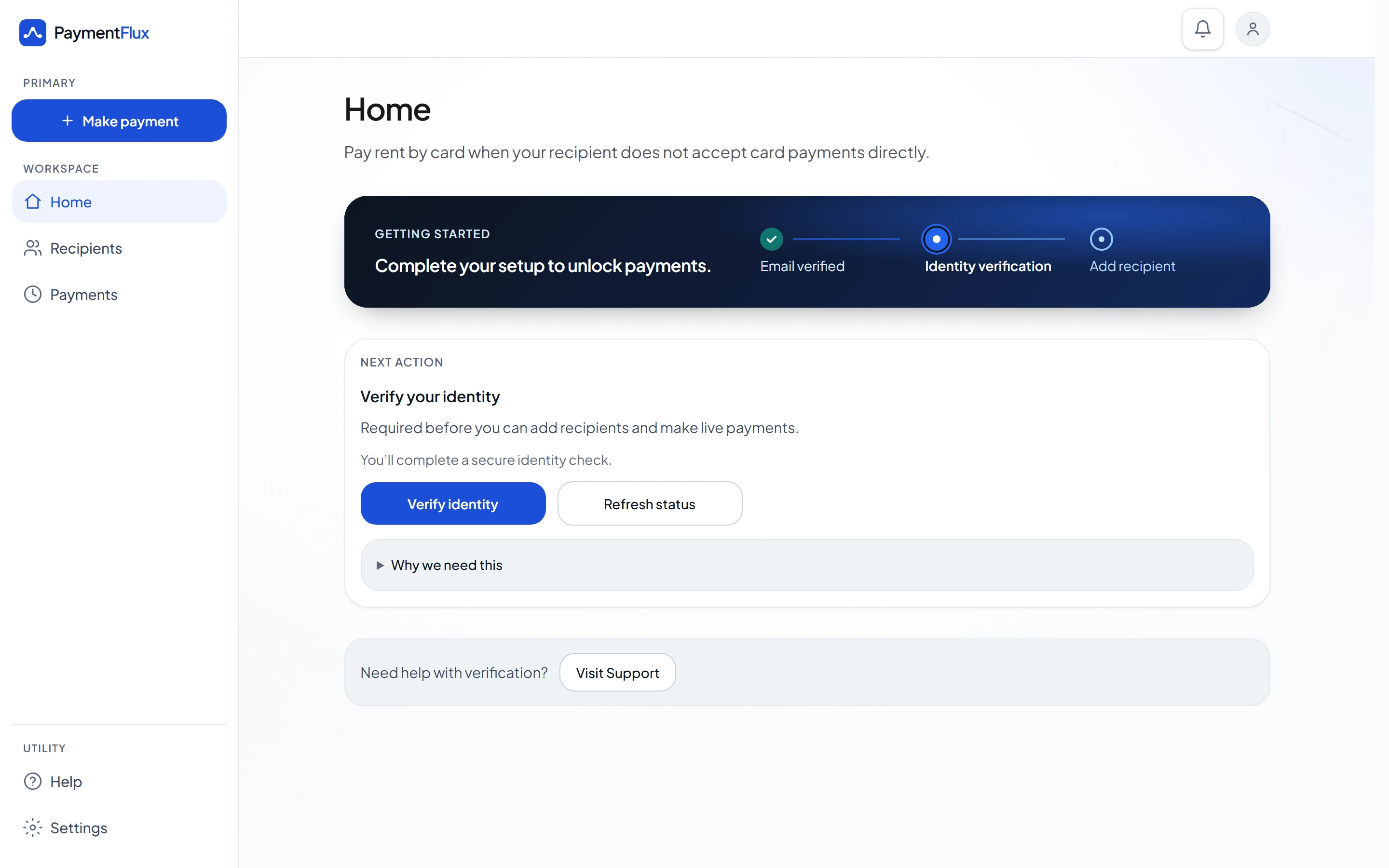
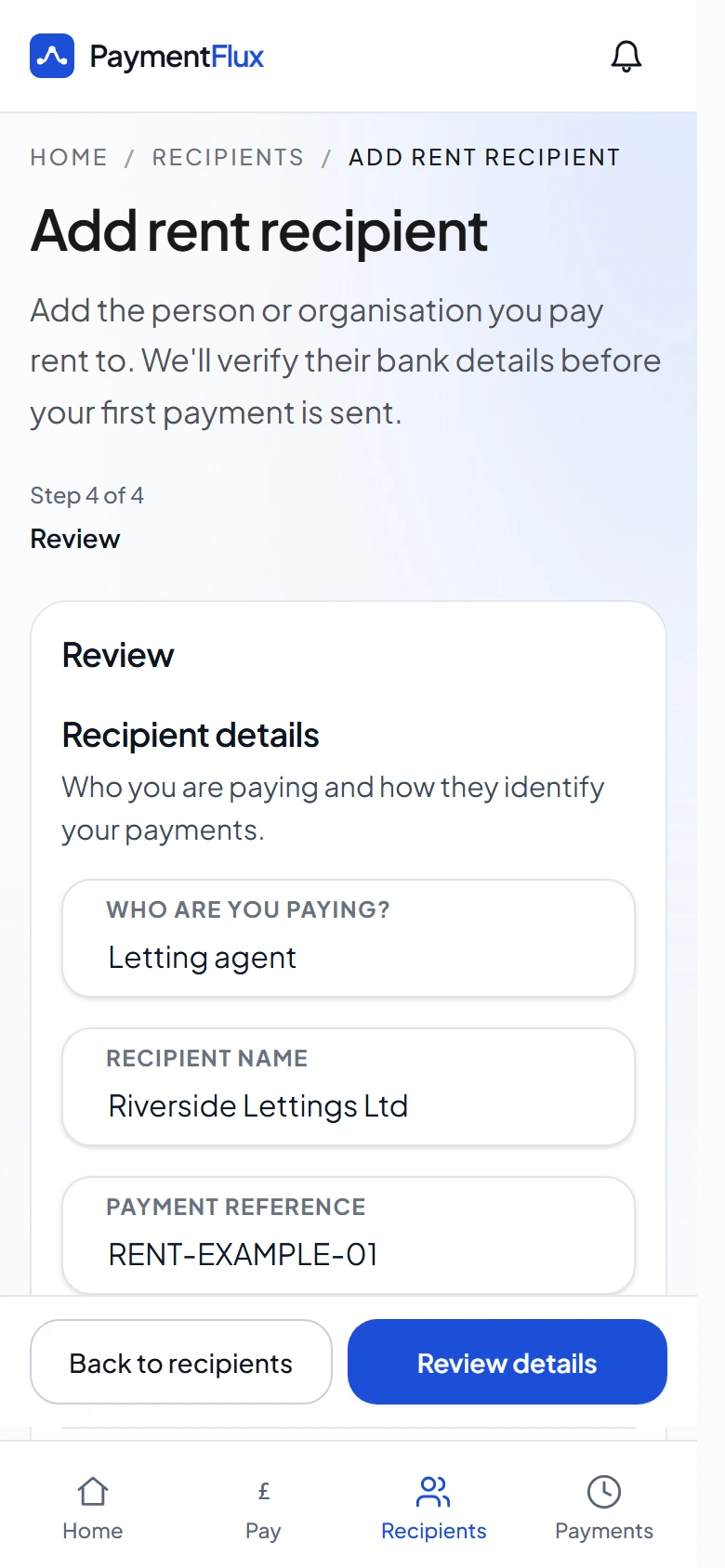
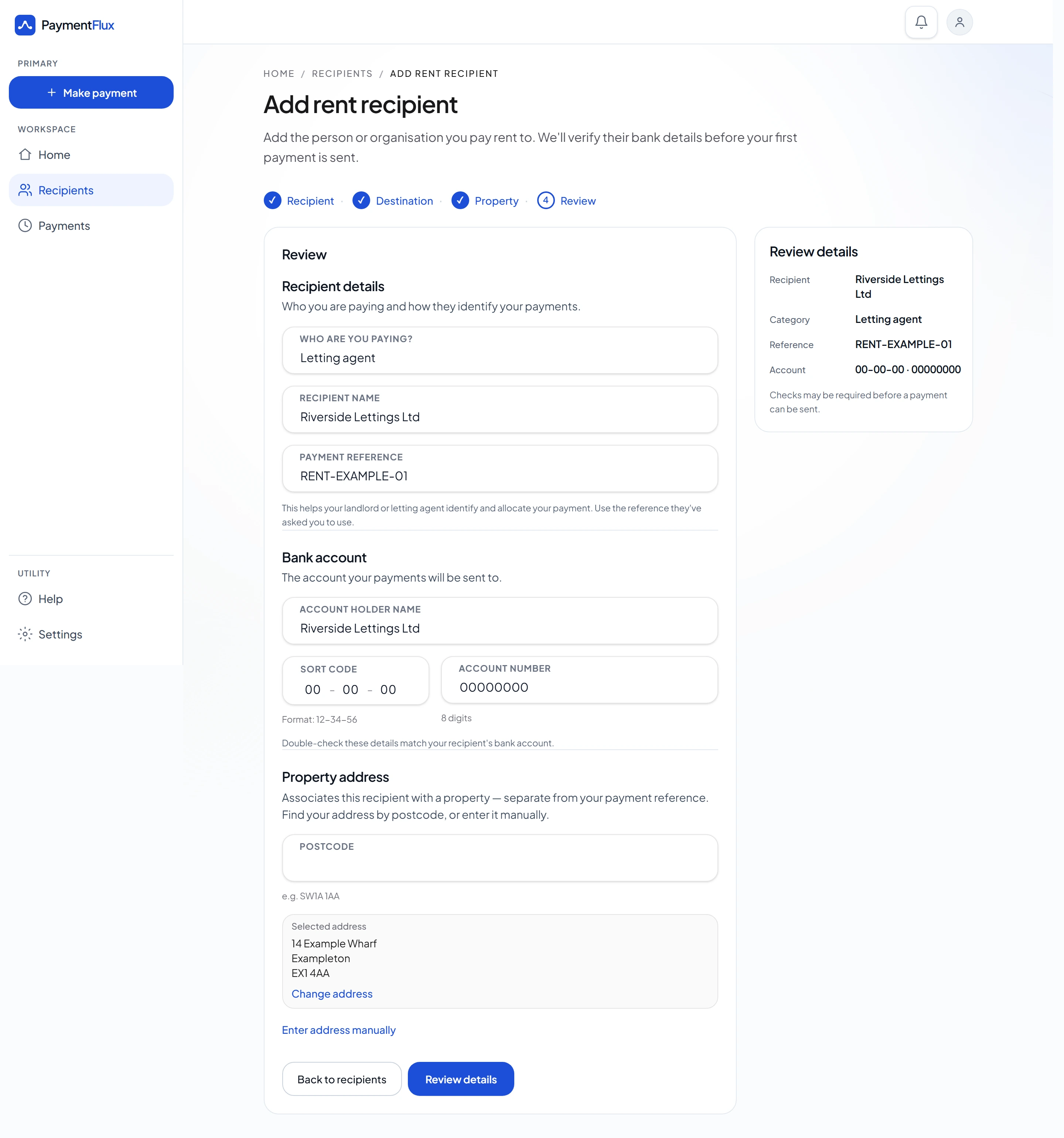
Sign up and add your property manager
Set the property manager as your rent recipient using the details they have supplied.
Step 3
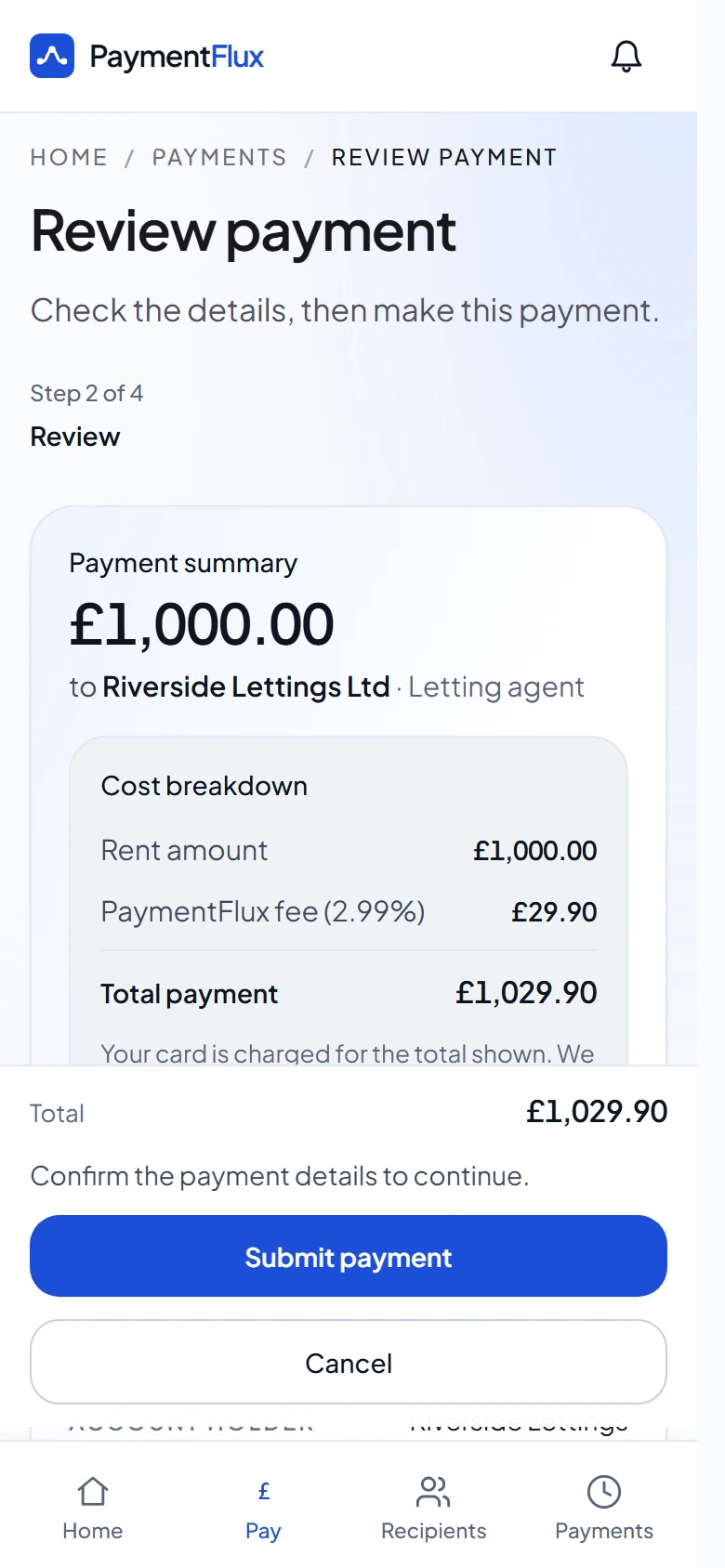
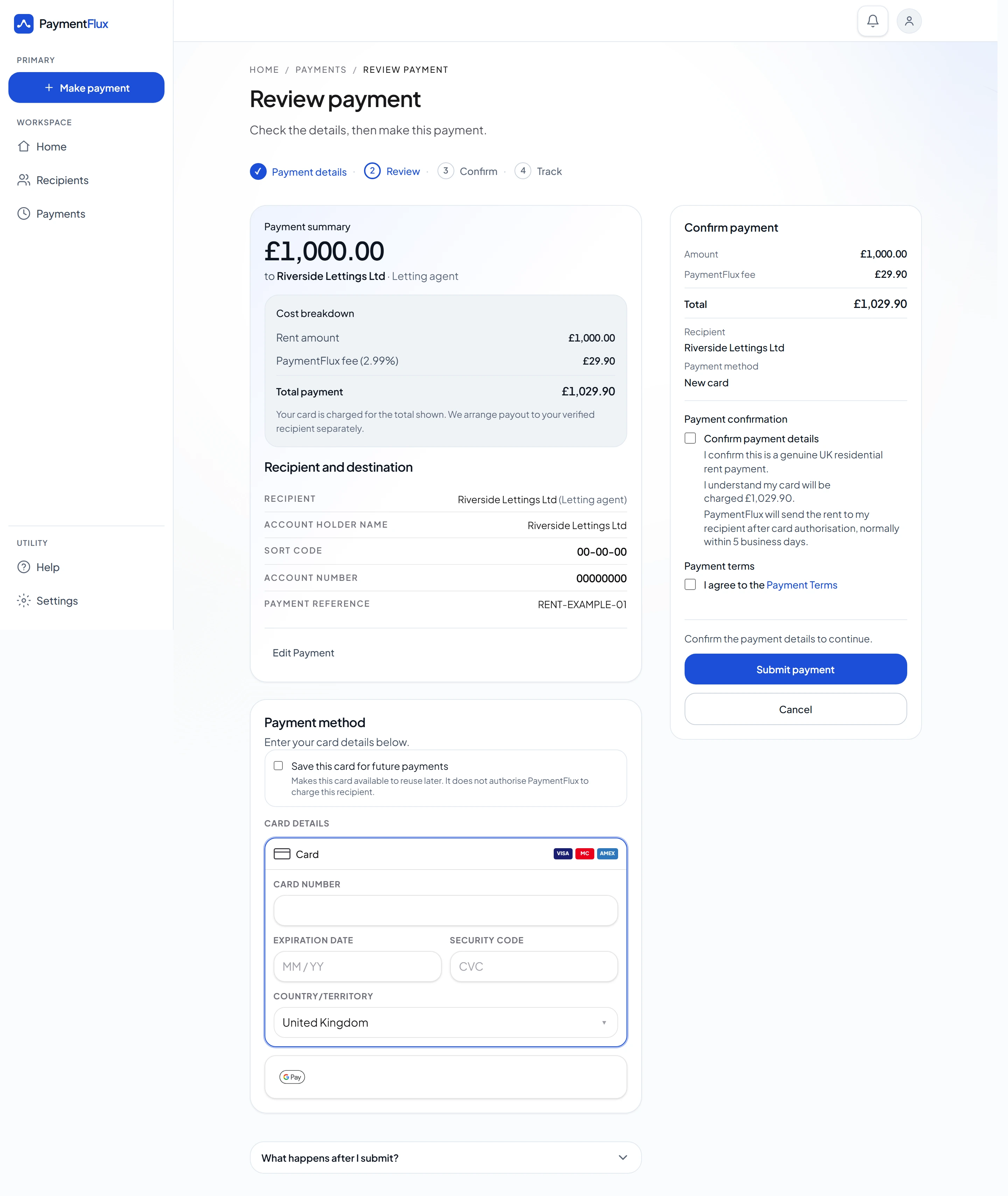
Pay your rent
Choose debit card, credit card, Apple Pay or Google Pay and confirm the payment.
Step 4
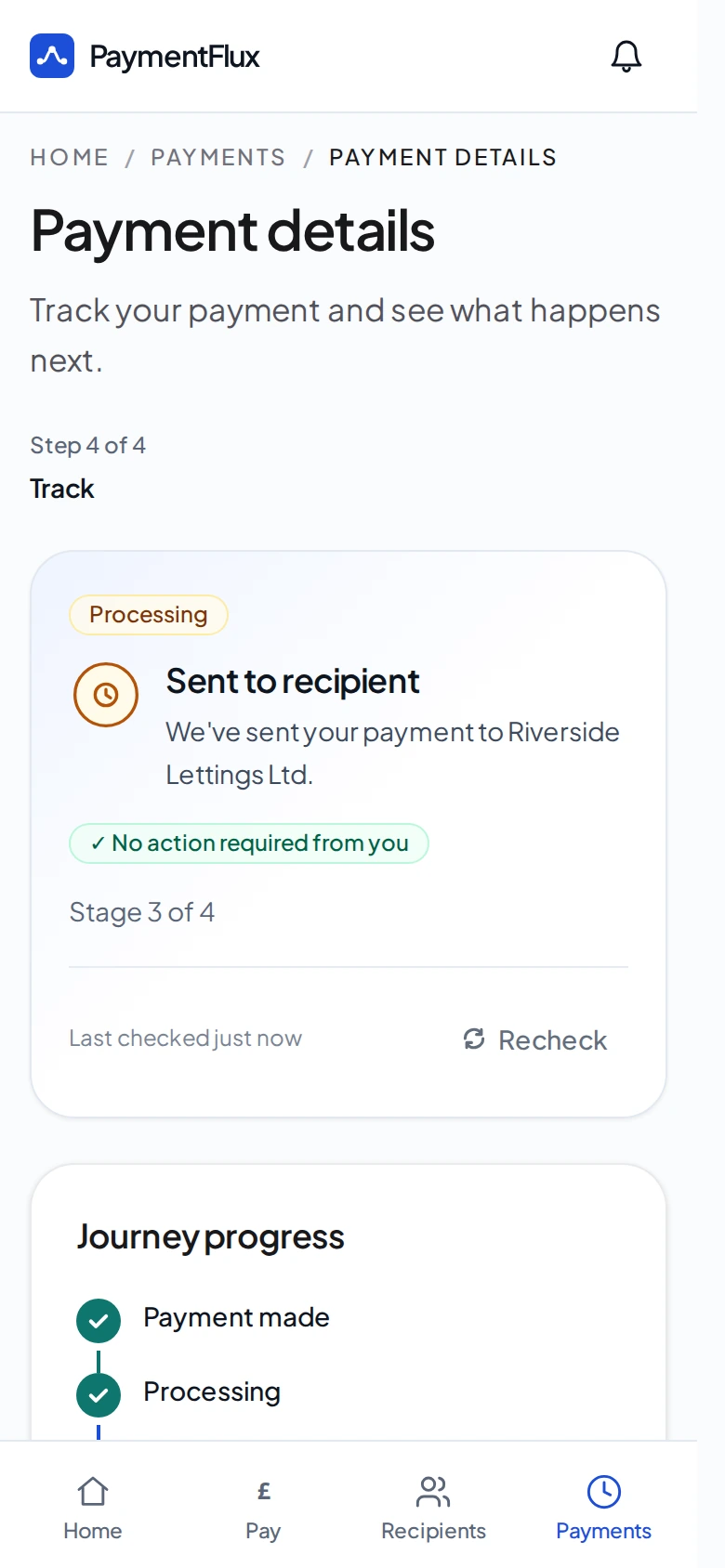
Your property manager receives the rent
PaymentFlux sends the rent to your property manager by bank transfer.
Interested in offering card payments?
Tell us a little about your property management company and we’ll answer any questions and explain how setup works.
No commitment required.
Questions property managers ask
Nothing. There are no setup or integration fees for your business, and PaymentFlux does not deduct its fee from the rent you receive. The tenant pays a PaymentFlux fee of 2.99% on top of their rent payment, which is shown before they confirm. You receive the full rent amount by bank transfer.
No. The tenant pays PaymentFlux and your business receives the rent by bank transfer.
No. PaymentFlux gives tenants an additional way to pay when they want to use it.
This setup is intended for property management businesses and other business rent recipients. Private landlords continue through the standard PaymentFlux recipient-verification journey.
Once PaymentFlux has approved the property management company’s rent-receiving bank account, tenant-entered bank details can be checked against that approved account. PaymentFlux reviews the supplied business and bank details before that account can be used for matching.
PaymentFlux can provide a co-branded payment page, tenant email and promotional assets so tenants can reach PaymentFlux from communications and channels they already recognise.
Tell PaymentFlux before directing tenants to the new account. PaymentFlux reviews the replacement account before it becomes the approved account used for matching. Existing tenant recipients stay on the account they were set up with.